Business and service areas
Your business name, team details and the communities you serve.

Built around your connected CRM
Mod AI helps real estate agents, teams and brokerages follow up with leads through AI calling, texting and email. It works with your CRM to qualify buyers and sellers, nurture conversations and book appointments, so your agents can focus on relationships and closing deals.
45-minute demo to explore how Mod AI fits your business.
Follow-up on your configured schedule
+ Or see how it works for you
Supporting agents and teams at
Brokerage names and logos identify client affiliations and do not imply corporate endorsement.
+ The Problem
New enquiries arrive while you’re showing homes, meeting clients or managing your business. Mod AI helps your team respond and continue the conversation through the services and follow-up instructions you choose. Explore the real estate lead follow-up mistakes AI can help fix.
01.
Give incoming leads a clear next step while your agents are busy.
02.
Follow up with leads who need more time before they are ready to move.
03.
Give older CRM opportunities attention based on contact eligibility and your follow-up instructions.
04.
Mod Seller IQ highlights likely sellers among your contacts and keeps in touch with monthly home valuation reports.
→ Explore Mod Seller IQThe Operators
Each module is engineered to operate alone — and unstoppable together. Voice, intelligence, automation and infrastructure, tailored for top-producing teams.
+ Client Story
"ModAI and ModExclusive have completely changed how I follow up with leads. It actually sounds like me."
The AI agent responds instantly and keeps conversations going in a natural, personal way, so no lead slips through the cracks, even when I'm out showing or closing deals. What really sets it apart is how customizable it is. I was able to set up my agent exactly how I want it, from tone to timing to how it handles different types of leads, which means it actually sounds like me and gets real results. On top of that, the support team is amazing. They're responsive, they know the product inside and out, and they genuinely care about making sure you succeed. If you're serious about converting more leads without adding more hours to your day, ModAI is a must.
See how Mod AI helps your team engage leads and keep track of the next step.
| Capability | How it helps |
|---|---|
| AI calling | Engage leads in conversation and ask qualifying questions about their needs and timeline. |
| Text messaging | Continue conversations and follow up through text based on your configured instructions. |
| Email follow-up | Keep in touch with new and longer-term leads using your business information and preferred brand voice. |
| Lead qualification | Gather details such as location, budget, motivation and buying or selling timeline to help agents prepare. |
| Appointment booking | Arrange appointments using your connected calendar and booking preferences. |
| CRM updates | Record conversation outcomes and relevant lead information in your connected CRM. |
Available capabilities depend on your selected plan, connected CRM and configuration.
+ The Workflow
Mod AI follows up with your leads by voice, text and email, using your instructions and your connected CRM. The channels available to you depend on your selected services and configuration.
A new lead arrives in your connected CRM, or a configured CRM tag marks an existing lead for outreach.
Configured outreach starts through the channels you have enabled, within your calling schedule and contact eligibility rules.
The AI asks your buyer or seller questions, using instructions based on the lead's CRM stage.
The conversation moves toward an appointment booked directly into your calendar, or a handoff to your agent.
Every conversation outcome is recorded in your CRM, including tags based on the conversation.
Appropriate follow-up continues according to your configured workflow, including recurring outreach to older leads.
A new lead in your connected CRM, or a configured CRM tag. New leads can be reached in under 60 seconds, and older leads can receive recurring outreach every two months.
Outreach follows your calling schedule, selected services and contact eligibility. Timing is configured during setup.
Scheduled follow-up stops when the required tags come back from the conversation. Your CRM automations can then add tasks, change stages and more.
+ Collected in conversation
+ Collected in conversation
Example topics. Qualification questions are set up for each client. Answers are what the lead shares in conversation; they are not independently verified financial or property facts.
During setup, we gather the information Mod AI needs to represent your business and follow your lead-handling preferences.
Your business name, team details and the communities you serve.
How you want your AI assistant to sound, including tone, style and preferred wording.
What you want to learn about each lead, such as location, budget, buying or selling needs and timeline.
How you want new enquiries and longer-term leads handled across your selected calling, texting and email services.
Your availability, appointment types and booking instructions.
When to notify your team or pass a conversation to an agent for personal attention.
Instructions guide how your AI responds. AI responses can still vary, so review conversations in your CRM.
Lead: Hi, I saw a listing in your area. Is it still available?
AI assistant: Thanks for reaching out to the team! I can help with that. Are you hoping to buy in the next few months, or just starting to look?
Lead: Probably this spring.
AI assistant: Great. Would you like to book a quick call with one of our agents to go over options?
Not a real conversation. Wording depends on your configured instructions.
The same Mod AI services, set up around how each business works.
+ Inside the portal
Review activity from your configured Mod AI services in your dashboard.
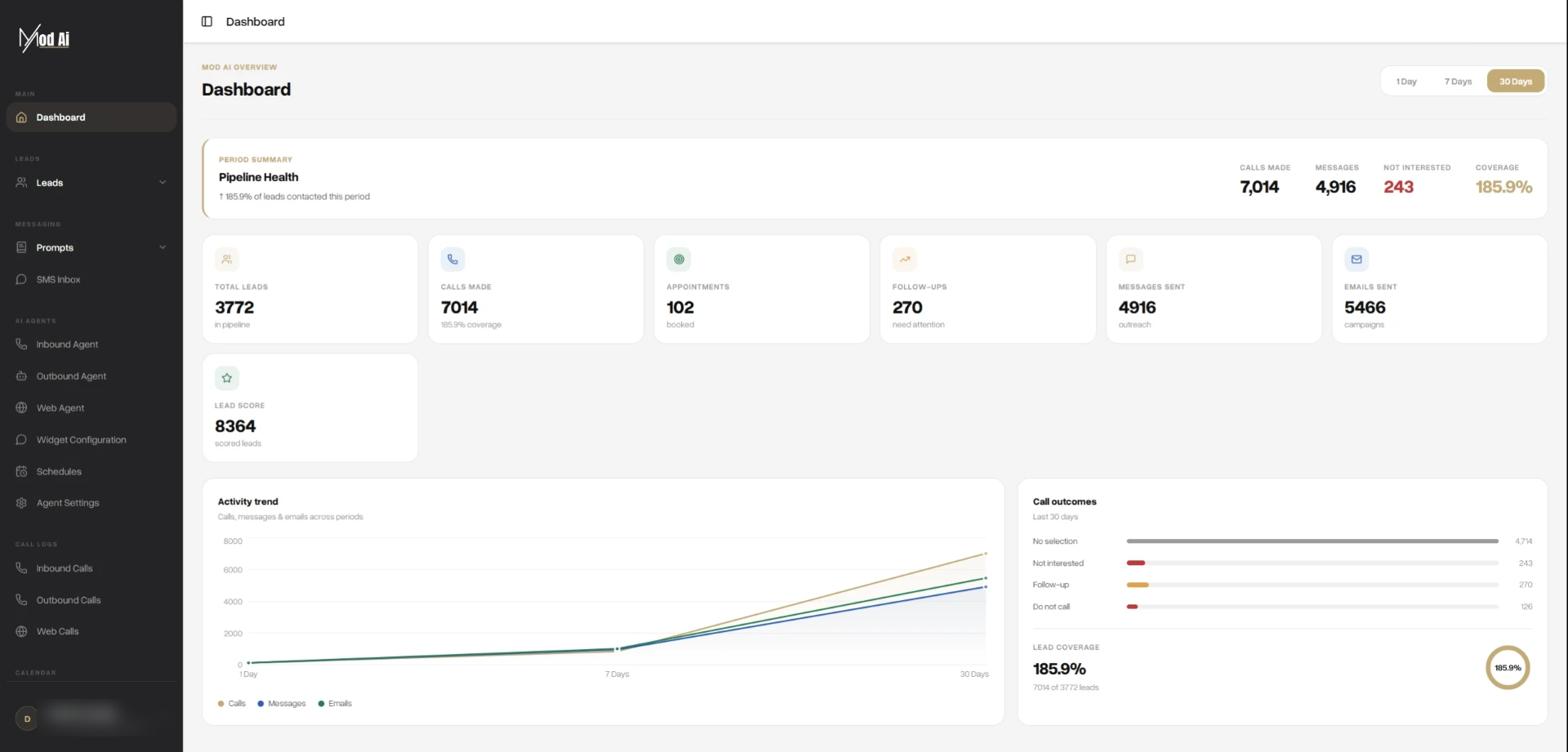
Screenshots show real portal, CRM and Slack views with names and contact details blurred. What you can review depends on your selected services, connected CRM and configuration. These activity records are not a complete audit trail.
+ Insights
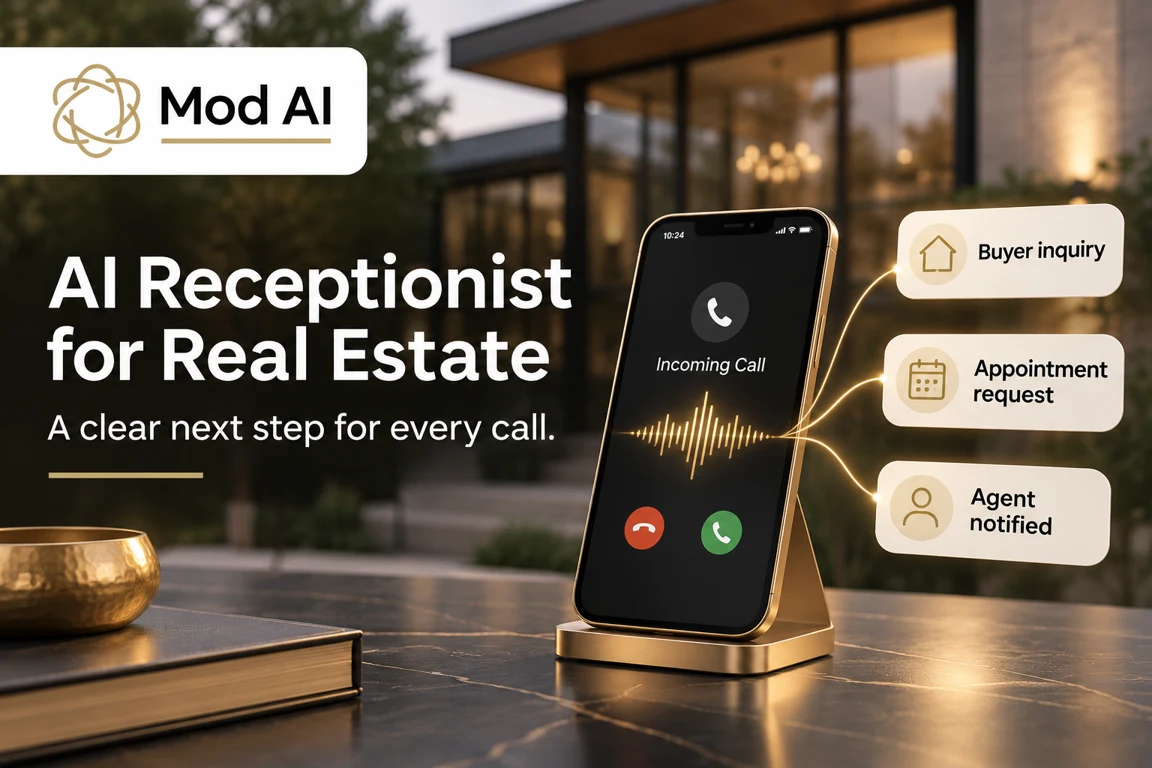
AI Voice Agents · Nov 14, 2026
A practical guide to using Mod AI for inbound real estate calls, from the first greeting and qualification questions to appointment coordination and agent handoff.
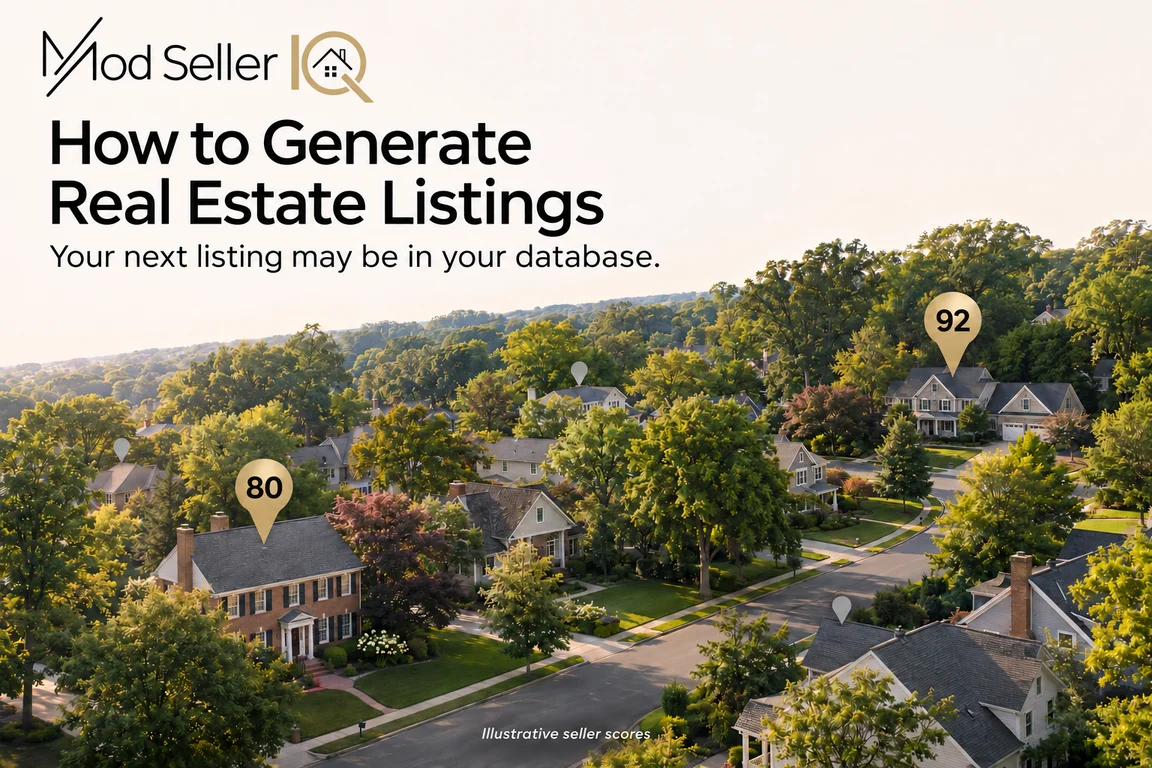
Seller Leads · Nov 9, 2026
Turn homeowners already in your database into seller conversations with useful property information, seller insights and consistent follow-up.

Real Estate Technology · Nov 5, 2026
Compare the Mod suite with Ylopo, Lofty, Luxury Presence, AgentFire, Ruuster and Fello by the work you need done: websites, follow-up, CRM workflows and seller opportunities.
Mod AI helps real estate agents, teams and brokerages follow up with leads through AI calling, texting and email. Depending on your selected services and setup, it can gather qualifying information, nurture conversations, book appointments and record outcomes in your CRM.
No. Mod AI works with your connected CRM to support lead engagement and follow-up. Your team continues using its CRM to manage contacts and relationships.
Mod AI offers calling, texting and email services that can be configured around your follow-up instructions. The channels available to you depend on your selected plan and setup.
Mod AI uses your configured questions to gather information such as buying or selling needs, preferred location, budget, motivation and timeline. This gives your agents context for their next conversation.
We gather your business information and preferences, then configure your selected services. See what you’ll provide during setup.
Yes. Mod AI can support follow-up with existing CRM leads, including longer-term opportunities, based on your selected services, contact eligibility and configured instructions.
You are. Under our Terms of Service, clients must obtain and document all legally required consents, provide required sender, caller, AI and recording disclosures, maintain their own do-not-contact and suppression lists, observe calling and sending restrictions, and provide working opt-out methods. Mod AI does not collect or store consent records for you.
When a lead replies STOP to a text, Mod AI stops texting that lead and records the opt-out as a tag in your CRM. Whether an opt-out on one channel also stops calls and emails is set during your configuration. Mod AI checks for do-not-contact tags in your CRM before reaching out, so contacts tagged that way are not contacted.
You do. Your calling hours are set by you during configuration, and Mod AI calls only within them. Keeping those hours within the rules that apply to your area is your responsibility.
Pricing depends on the services, usage and plan you choose. Visit our pricing page to review the options, or book a demo to discuss your needs.